Debugging
Prerequisites
In order to debug your code using an embedded JRE, make sure to include the following modules:
jdk.jdwp.agent
Info
Example for AMD64 systems: jlink --add-modules java.base,java.logging,jdk.jdwp.agent --output jvm/jre-amd64-linux (make sure to swap linux to your platform!)
Example for ARM64 systems: jlink --add-modules java.base,java.logging,jdk.jdwp.agent --output jvm/jre-arm64-macos (make sure to swap macos to your platform!)
If you're still using the JDK installed on your system though, you don't need to do this.
Run and attach a Remote Debugger
Breakpoint based debugging is available via the remote debugger.
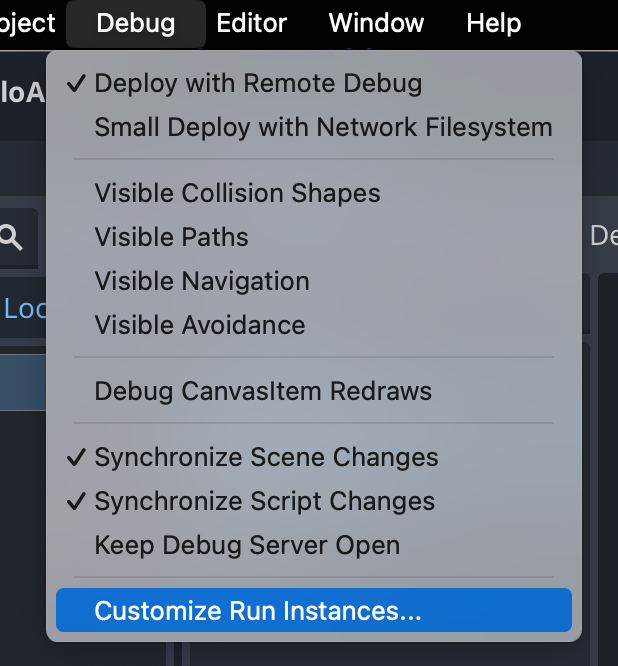
1. Customize Run Instances in Godot
Open up the Customize Run Instances dialog from the Debug menu in Godot
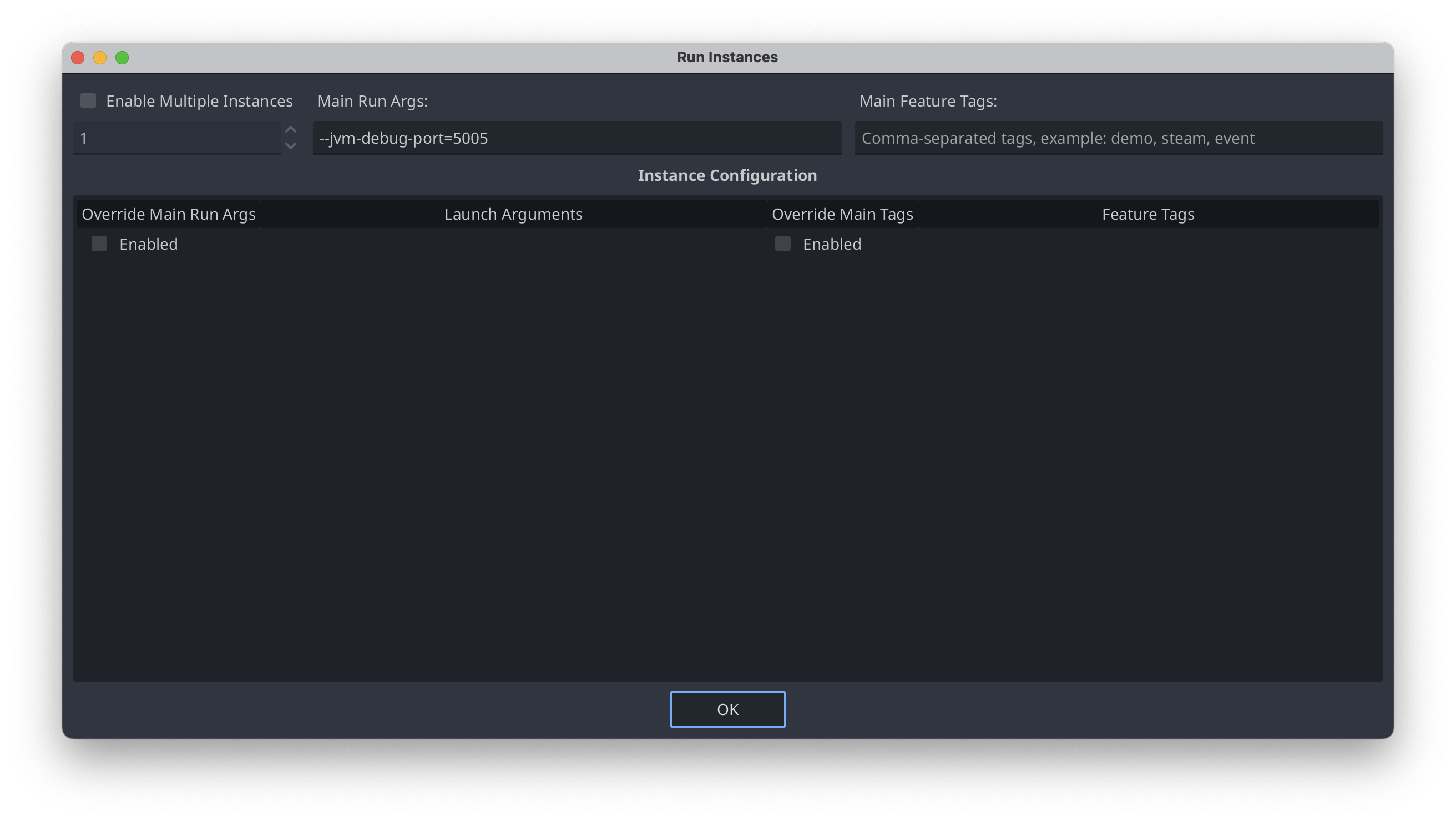
2. Specify the arguments
In the Main Run Args, you should specify your commandline options. In the example below we use port 5005 by specifying: --jvm-debug-port=5005
Info
If you specify either --jvm-debug-port or --jvm-debug-address the execution of the game will suspend until you attach a remote debugger. You can configure this behaviour by specifying --wait-for-debugger=true or --wait-for-debugger=false
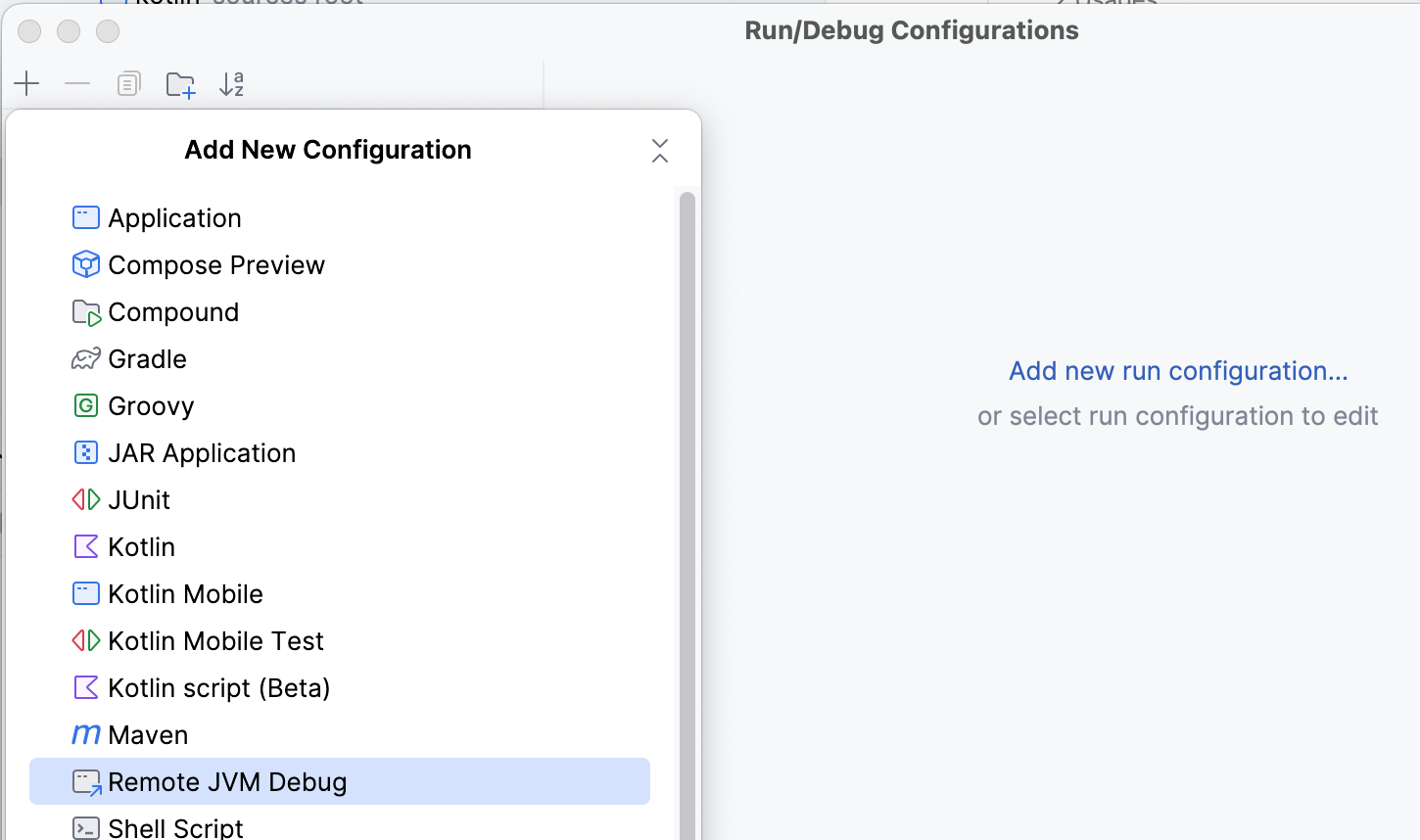
3. Create a new configuration in IntelliJ
Create a new Configuration using Remote JVM Debug
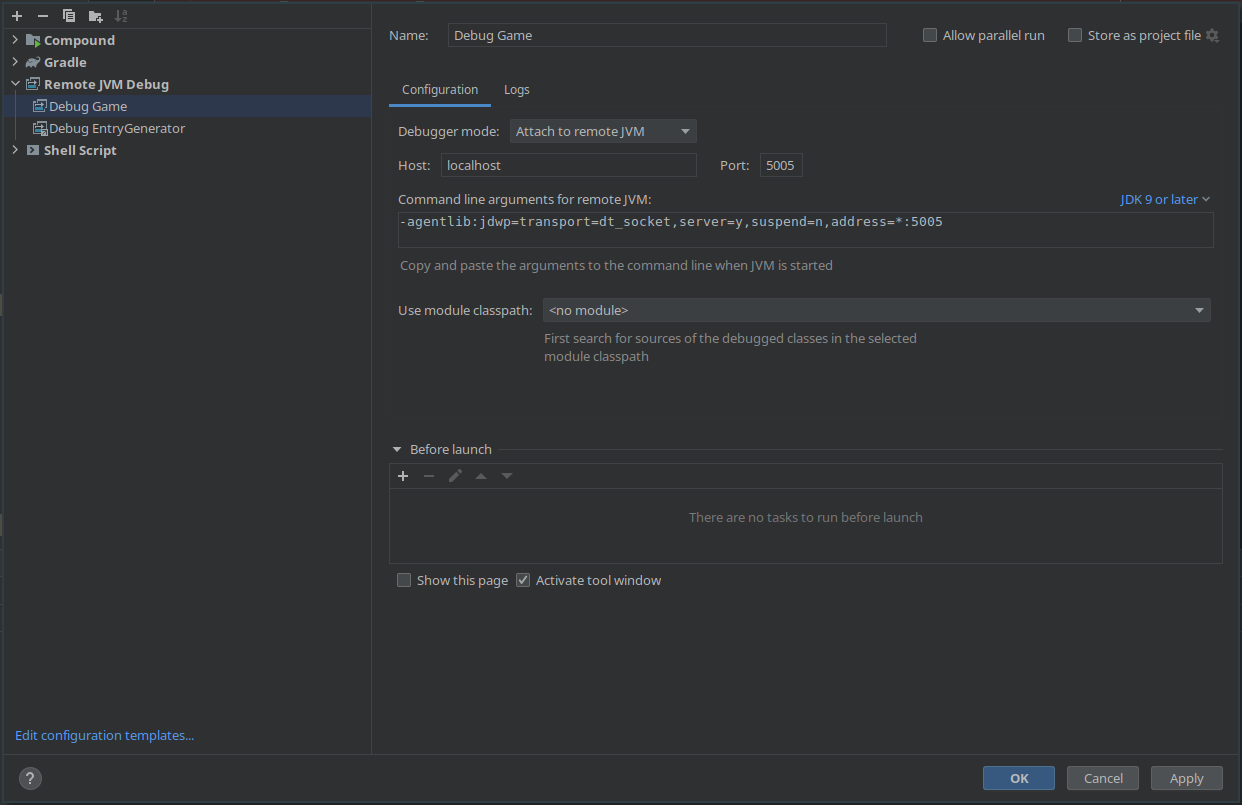
4. Setup the new configuration in IntelliJ
Use the same port as you used in step 2, in our case 5005
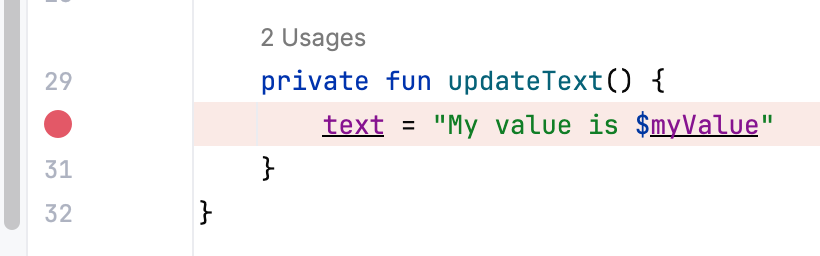
5. Set a breakpoint in IntelliJ
6. Launch the game in Godot
Depending on your flags (--wait-for-debugger), the game will suspend until you attached the remote debugger from IntelliJ
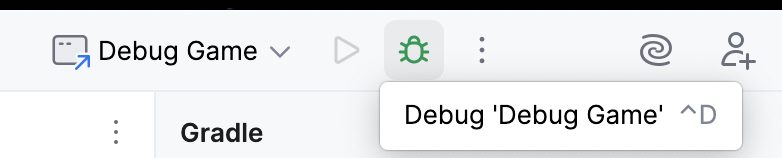
7. Run the Debug Game configuration
Run the Debug Game configuration you made earlier in IntelliJ
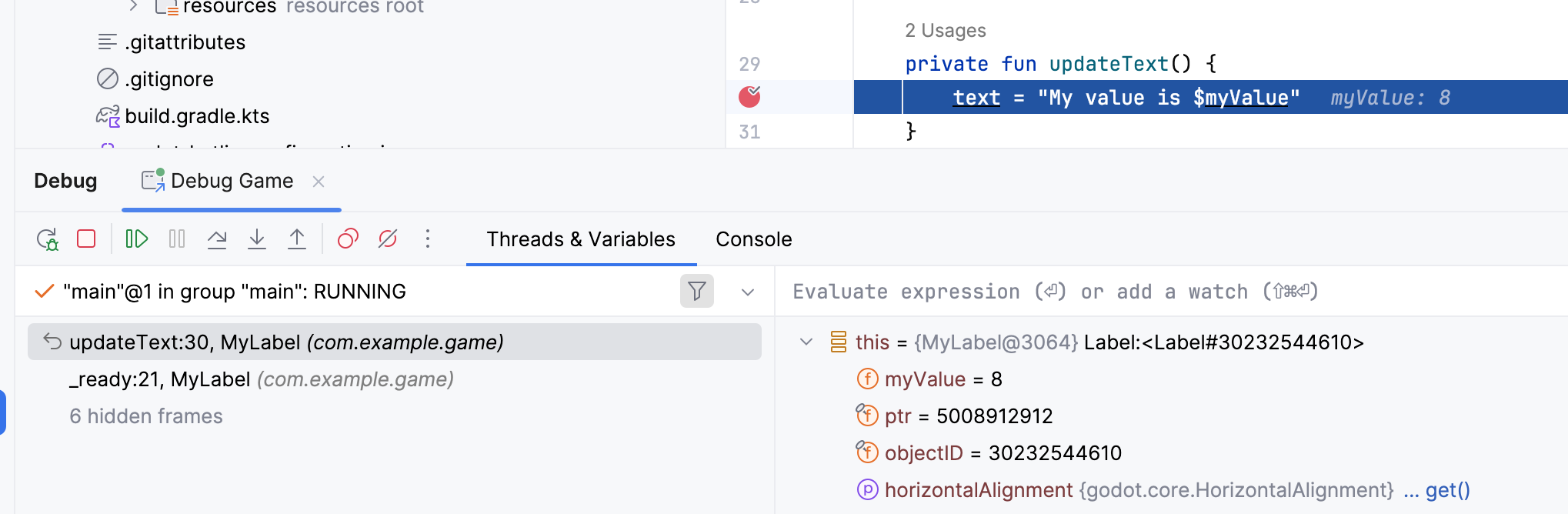
8. Breakpoint
IntelliJ will now automatically pause when the breakpoint is hit
Write debug code
You can add code only for debug version of your project, by using GodotJvmDefinitions.
When building your project with the release flag, those ifs are going to be automatically removed from your code, not even the condition check is left.
Example:
1 2 3 | |